See your week or month.
Choose the view that helps you plan.
 PLANNER
FREE WEEKLY & MONTHLY PLANNER
Make room for what matters. A simple place to plan your days, move your tasks and find a little breathing room.
Free to use · No ads · No subscriptions
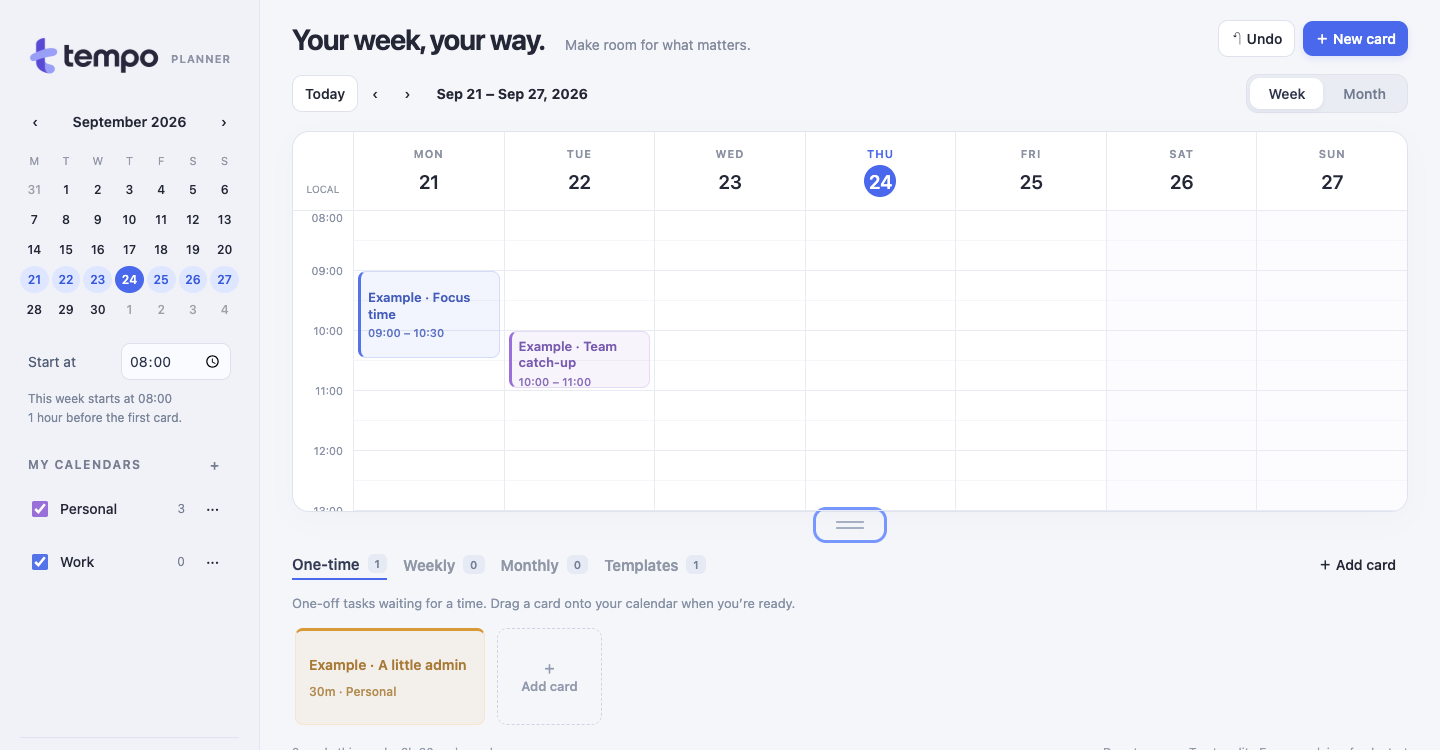
A PLAN THAT MOVES WITH YOU
Move a card to another time or day. Your plan can change with you.
A simple illustration · Your real cards can be dragged
A SMALL TASTE OF TEMPO
Drag “Go for a walk” to a new slot.
Or select the card, then select a time.
Select the walk card, then a time. Keyboard: Tab and Enter. Escape cancels.
Example only · Nothing is saved
Choose the view that helps you plan.
Duplicate cards or save them as templates.
Separate calendars for work and personal plans.
A FEW THINGS TO KNOW
Yes. Tempo is free to use, with no ads and no subscriptions.
Yes, to save your own planner and access it on another device. You can try the example on this page without an account.
Yes. Drag it to another time or day, or open the card to choose an exact date and time. Duplicate cards and mark them complete as you go.
Templates are reusable originals you copy into your plan. Weekly and Monthly routines create a fresh unscheduled card for each period, ready for you to place. You can set an end date for the routine.
Yes. Tempo works in your browser on phone and computer. Sign in with the same account on both. No app-store download is needed.
Yes. Use Export backup in Tempo to download a copy of your planner. You can restore a Tempo backup through your account.
THERE’S ROOM FOR YOUR KIND OF WEEK
Already have an account? Sign in